Legal document templates for Tanzania, in Swahili and English Pay with M-Pesa, Airtel Money, Mixx by Yas, HaloPesa
Sheria na Jamii Sheria na JamiiLegal documents store
Sample template – for personal use English Affidavit

Affidavit of Paternity – Father Acknowledges He Is the Biological Father of a Child for RITA Birth Certificate Registration Template

This affidavit is sworn by a father acknowledging that he is the biological father of a child, especially one born outside marriage. It is used to enter the father's name on a RITA birth certificate, or for a passport, school or succession, and has a section for the mother's consent.

  • FormatPDF or Word
  • Length2 pages
  • JurisdictionTanzania
  • Updated22 November 2026

From

TSh 1,000

PDF TSh 1,000 · Word TSh 1,500

Get the full document
  • Instant download after payment
  • M-Pesa, Airtel Money, Mixx, HaloPesa
  • Prepared for Tanzanian law
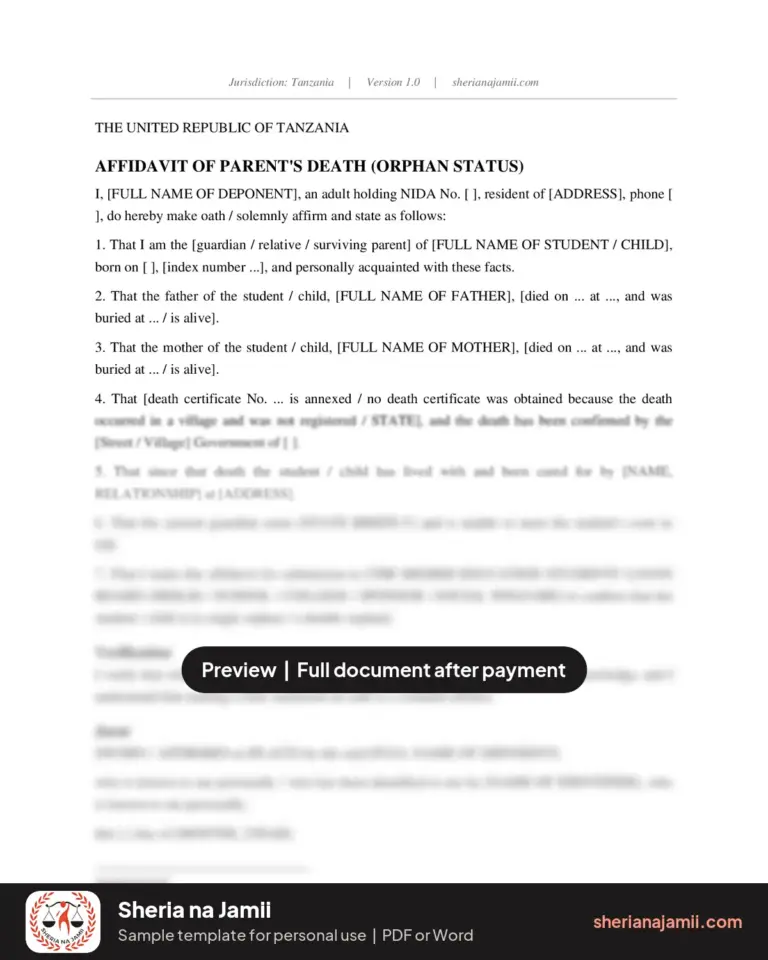
PreviewAffidavit of Paternity – Father Acknowledges He Is the Biological Father of a Child for RITA Birth Certificate Registration

THE UNITED REPUBLIC OF TANZANIA

AFFIDAVIT OF PATERNITY

I, [FULL NAME OF DEPONENT], of [ADDRESS], holder of NIDA No. [ ], [OCCUPATION], do hereby make oath / solemnly affirm and state as follows:

1. That I am an adult of sound mind and understand the contents of this affidavit.

2. That I was in a relationship with [NAME OF CHILD'S MOTHER], NIDA No. [ ], from [YEAR] to [YEAR] [, without being married].

3. That during that relationship, on [DATE] at [HOSPITAL / PLACE], a [male / female] child named [FULL NAME OF CHILD] was born.

4. That I solemnly acknowledge and confirm that I am the biological father of that child.

5. That [the child's mother agrees with this statement, as confirmed by her signature below / we carried out a DNA test at ... on ..., the results of which are annexed].

The rest of this document is locked

Pay once by mobile money and download the complete document instantly.

Unlock from TSh 1,000
What this document contains

  • Relationship with the child's mother
  • Details of the child's birth
  • Statement of paternity
  • Mother's consent or DNA results
  • Request to enter name on birth certificate
  • Acceptance of parental duties
  • Jurat and mother's consent section

When you need this document

  • A child was born outside marriage and the father wants his name on the certificate.
  • You are correcting a birth certificate to add the father's name.
  • You need to prove paternity for a passport, school or succession.

How to complete and use it, step by step

  1. Fill in your detailsWrite your full names exactly as they appear on your ID, and complete every bracketed field.
  2. Attach copiesAttach copies of your ID and the documents that support your statement.
  3. Do not sign at homeTake the unsigned affidavit to a Commissioner for Oaths, Notary Public or Magistrate.
  4. Swear and sign before themSign in their presence; they complete the jurat, sign and stamp it.
  5. Mother signs consentThe child's mother signs the consent section before the same Commissioner.

Common mistakes to avoid

  • Signing before appearing in front of the Commissioner for Oaths.
  • Names that differ from those on your ID.
  • Leaving the jurat without date, place or stamp.
  • Making a false statement about paternity.

Laws that apply

  • Oaths and Statutory Declarations Act, Cap. 34
  • Notaries Public and Commissioners for Oaths Act, Cap. 12
  • Law of the Child Act, Cap. 13
  • Births and Deaths Registration Act, Cap. 108

Frequently asked questions

How is a father's name entered for a child born outside marriage?

Usually the father of a child born outside marriage is entered at his request or with his consent. RITA may ask for an affidavit like this with the mother present. Confirm the current procedure with RITA.

Does this affidavit oblige the father to pay maintenance?

The Law of the Child Act already requires a parent to maintain a child. The affidavit confirms paternity, which makes maintenance easier to claim or provide.

Should I choose PDF or Word?

Choose Word (DOCX, TSh 1,500) to type your details on a computer or phone. Choose PDF (TSh 1,000) to print it and fill it in by hand.

What do I receive after paying?

The format you paid for downloads to your device straight away, and a backup link is sent to your email. This is a general template for personal use, not legal advice.

Sample template for personal use. This is a general sample template for personal use. Fill it in with your own details and have it signed, sworn or filed as the law requires. It is not legal advice and does not create a lawyer–client relationship. Reselling or sharing the file is not allowed.

From TSh 1,000Get document